
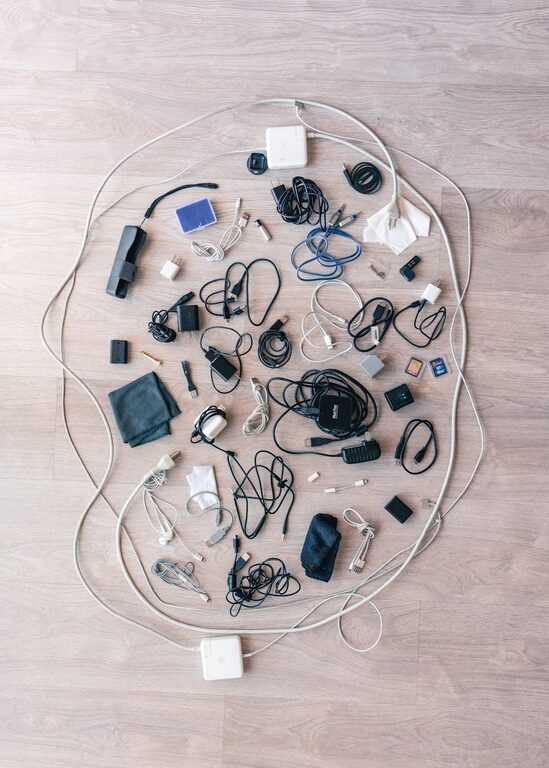
Keeping cables and chargers organized can make a big difference in maintaining a clean, functional space. Whether you’re dealing with a home office, entertainment center, or a charging station, tangled cords and missing chargers can be frustrating. This guide offers practical tips and creative ideas to help you organize your cables neatly and efficiently.
Why Organize Cables and Chargers?
Untidy cables can cause several problems beyond just looking messy. They can:
– Create a tripping hazard
– Damage cables due to bending or tangling
– Make it hard to find the right charger when you need it
– Reduce workspace efficiency and focus
By organizing your cables, you improve both the appearance and safety of your space and extend the life of your electronics.
Step 1: Gather and Sort Your Cables
Take Inventory
Start by collecting all your cables and chargers in one place. This helps you see what you have and eliminates duplicates.
Sort by Type and Use
Group cables by:
– Device type (e.g., phone chargers, laptop chargers, HDMI cables)
– Length (short cables for close devices, long for distant ones)
– Frequency of use (daily vs. occasional)
Sorting makes it easier to decide storage and labeling methods.
Step 2: Declutter and Dispose
Not all cables are worth keeping. Old, damaged, or obsolete cables can be recycled properly or discarded. Be sure to:
– Test cables before tossing them
– Look for e-waste recycling programs in your area
– Donate unused but working cables if possible
This cuts down bulk and makes organization manageable.
Step 3: Choose the Right Storage Solutions
There are many storage options that keep cables untangled and accessible.
Cable Organizers and Holders
– Cable clips: Stick these to your desk to keep cords from slipping.
– Cable ties or Velcro straps: Use these to bundle cables neatly.
– Cord boxes: Store power strips and plugged-in cables inside to hide clutter.
– Drawer organizers: Small trays or boxes to separate cables by type.
Creative Storage Ideas
– Mason jars or small containers: Roll cables and stand them vertically.
– Binder clips: Clip cables to the edge of a desk for easy access.
– Hanging organizers: Use shoe organizers with pockets to store many cords at once.
Step 4: Label Your Cables
Labeling is key for quick identification. Simply use:
– Adhesive labels or masking tape with a permanent marker
– Pre-printed cable tags available online
– Color-coded clips or ties for devices by category
Clear labels prevent confusion and save time.
Step 5: Set Up a Charging Station
A dedicated charging station helps keep cables and devices in one spot.
Ideas for Charging Stations
– Use a small charging dock or multi-port charger to reduce cable count.
– Place a power strip inside a cable box to conceal plugs.
– Arrange wires with clips or tubes to keep them separated.
– Ensure easy access to cables while keeping them neat.
Step 6: Maintain Your Organized Space
Organization is an ongoing task. Keep your cables tidy by:
– Regularly reviewing and decluttering cables
– Always bundling cables after use
– Re-labeling as devices change or are replaced
– Teaching household members to return cables to their places
A little daily effort goes a long way.
Additional Tips for Neat Cable Management
– Avoid over-bending cables near the connectors to prevent damage.
– Use longer cables where needed to avoid stretching or tension.
– Consider wireless charging options to reduce cable clutter.
– Secure cables behind furniture with adhesive hooks or clips.
Conclusion
Organizing cables and chargers is simple with the right approach. By sorting, decluttering, storing smartly, labeling, and setting up a charging station, you can maintain a neat and functional space. With these tips, your cables will be easy to find, safe to use, and your environment will look much tidier.
Try a few of these ideas today and experience the benefits of a cable-free mess!