
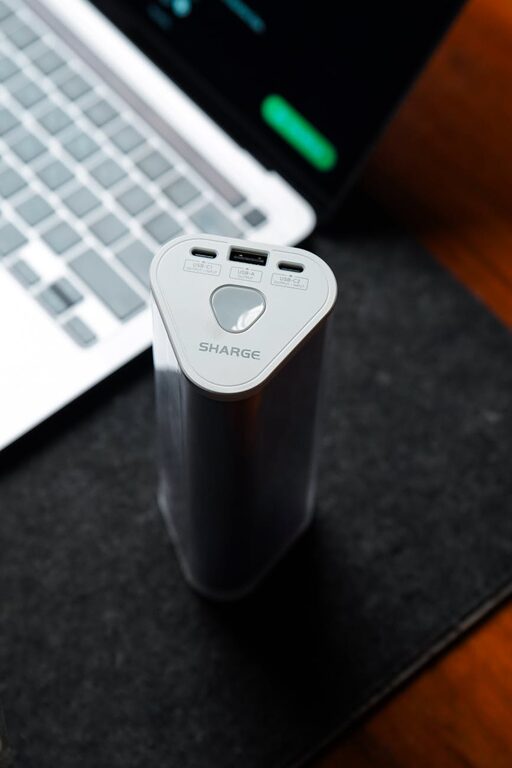
Setting up a dedicated charging station for your electronic devices can simplify your daily routine, keep your space tidy, and ensure that all your gadgets stay powered up and ready to go. Whether you’re managing smartphones, tablets, smartwatches, or other rechargeable devices, a charging station is a handy solution for organization and efficiency.
In this post, we’ll guide you through the process of setting up a charging station that fits your needs, from choosing the right location to organizing cables and optimizing power sources.
Why Set Up a Charging Station?
Having a designated spot for charging devices offers several benefits:
– Organization: Eliminates clutter caused by multiple chargers and tangled cords.
– Accessibility: Keeps devices in a consistent location so you always know where to find them.
– Safety: Reduces the risk of electrical hazards caused by overloaded sockets or frayed cables.
– Efficiency: Saves time by charging multiple devices simultaneously using multi-port chargers.
Step 1: Choose the Best Location
Select a convenient and accessible spot where you typically use or store your devices. Good locations include:
– A corner of your desk or work area
– A central table in the living room or kitchen
– A nightstand beside your bed
– A dedicated shelf or cubby in a common room
Make sure the location has easy access to a power outlet and sufficient space to house your charging devices neatly.
Step 2: Assess Your Charging Needs
Consider which devices you need to charge regularly. Common items include:
– Smartphones
– Tablets and e-readers
– Smartwatches and fitness trackers
– Wireless earbuds or headphones
– Portable battery packs
Make a list and note the number of devices you want to charge at the same time. This will help determine the type and number of chargers and charging ports required.
Step 3: Select the Right Charging Equipment
Multi-Port USB Chargers
Instead of using individual chargers, opt for a multi-port USB charger. These chargers can power several devices simultaneously and save outlet space. Look for chargers with security features such as:
– Overcurrent protection
– Overvoltage protection
– Temperature control
Wireless Charging Pads
If your devices support wireless charging, consider adding a wireless charging pad. These pads reduce cable clutter and offer a quick way to charge compatible devices.
Charging Cables and Adapters
Choose high-quality cables compatible with your devices. Keep in mind that longer cables provide flexibility in placement, but they can also create clutter if not organized properly.
Step 4: Organize Your Charging Station
Keeping your station tidy is key to maintaining its usability.
Use Cable Management Tools
– Cable clips and holders: Attach them to the edge of desks or walls to guide cables and prevent tangling.
– Cable sleeves or tubes: Bundle several cables together for a clean look.
– Velcro straps or ties: Use these to wrap excess cable length neatly.
Label Your Cables
Labeling helps you quickly identify which cable belongs to which device, especially when multiple cables look similar.
Use Storage Containers or Trays
Place small storage trays or boxes on or near your charging station to hold devices, cables, and chargers, keeping everything in one place.
Step 5: Set Up Power Management
Ensure your charging station uses power efficiently and safely.
– Use power strips with surge protection to safeguard your devices against voltage spikes.
– Avoid overloading sockets by understanding the combined power output of your chargers.
– Consider charging devices during off-peak hours to save energy, if applicable in your area.
Step 6: Maintain Your Charging Station
Regularly check the condition of your cables and chargers. Replace any that show signs of wear or damage to prevent safety issues.
Keep your charging area clean by wiping surfaces and dusting electronics.
Bonus Tips for an Effective Charging Station
– Keep some backup cables and chargers in case you forget your usual charging items.
– Choose a stylish station or customize the space to match your decor, making it an inviting spot.
– Add a small lamp or nightlight nearby if you charge at night.
– Consider device holders or stands to hold phones or tablets upright as they charge for easy access.
—
A well-designed charging station is more than just a place to plug in your devices; it’s a practical setup that can simplify daily charging routines and keep your devices organized. By following these steps, you can create a charging station that suits your needs and adds convenience to your home or office space. Happy charging!